
MLSuite 2025 SP1 Release Announcement
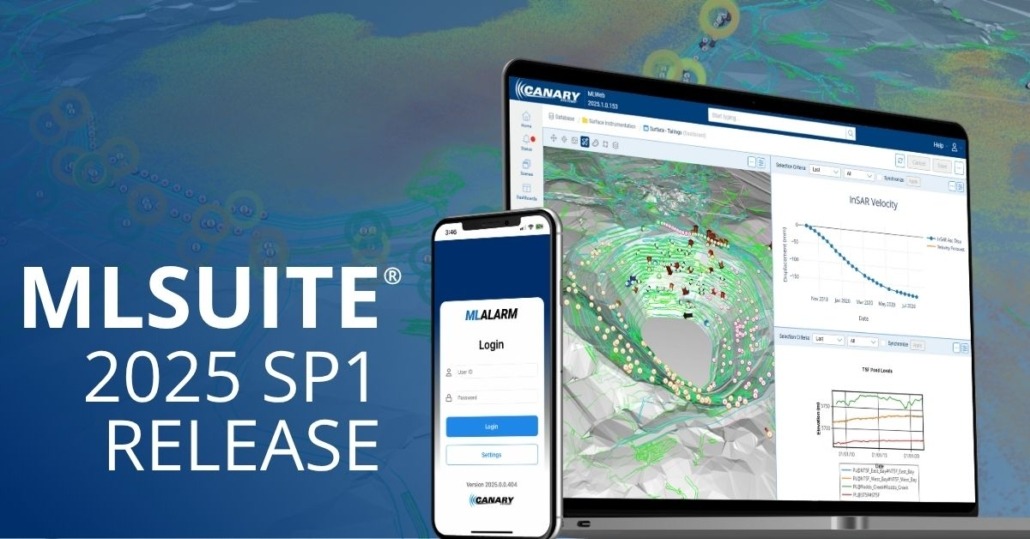
The latest version of MLSuite® 2025 Service Pack 1 is now available for download and includes several enhancements and featured capabilities.
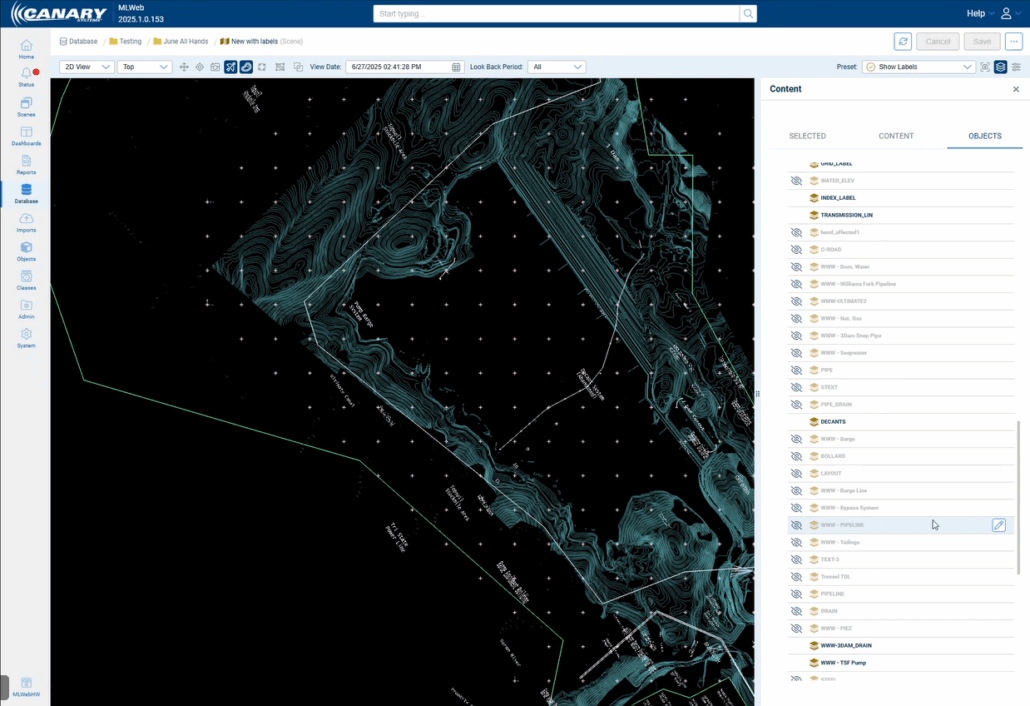
Scene Improvements: Opacity and Text Object Layers
Opacity can now be changed for objects within a scene, allowing users to see layers and multiple overlayed objects. DXF or object layers will now also have the ability to display text labels. These labels are displayed as a layer and thus can be hidden or displayed as desired.
Dashboard Improvements: New Layouts and Direct Data View
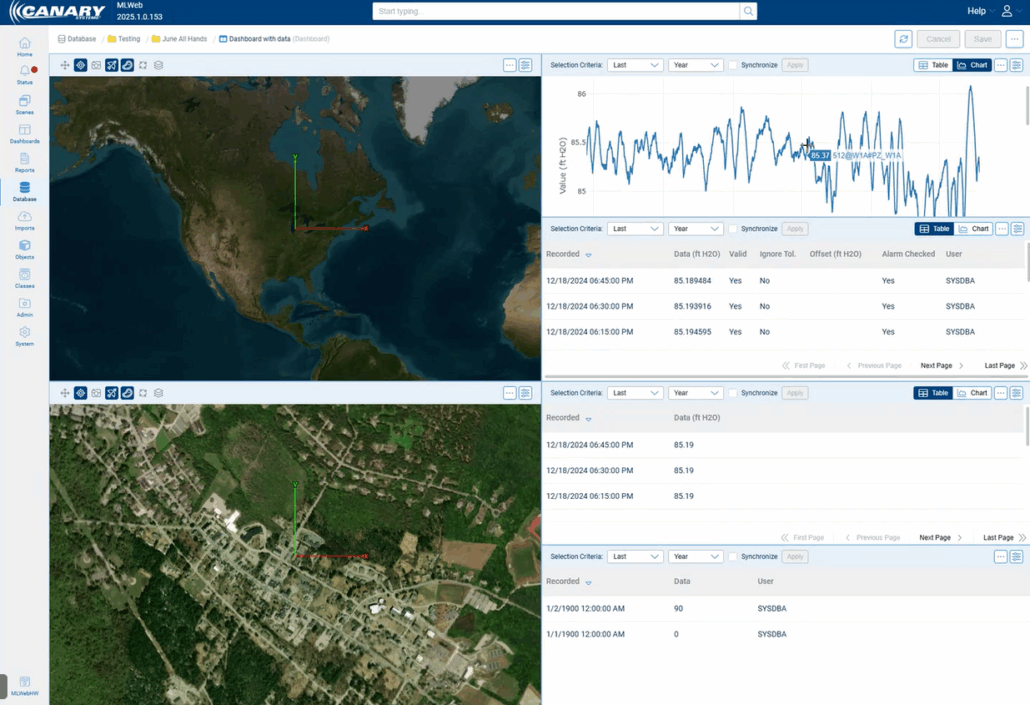
There are several new layout options for dashboards in MLWeb (16 layout options in total), offering improved flexibility to end users.
Data can now also be included directly within a dashboard for a more hands-on overview. This includes instrument data, element data, calculated element data, and property data. This data can be viewed as a table or chart.
Dashboards can also be configured to show multiple views of the same scene with different presets, allowing for a more general overview and focused scope of certain locations on a site.
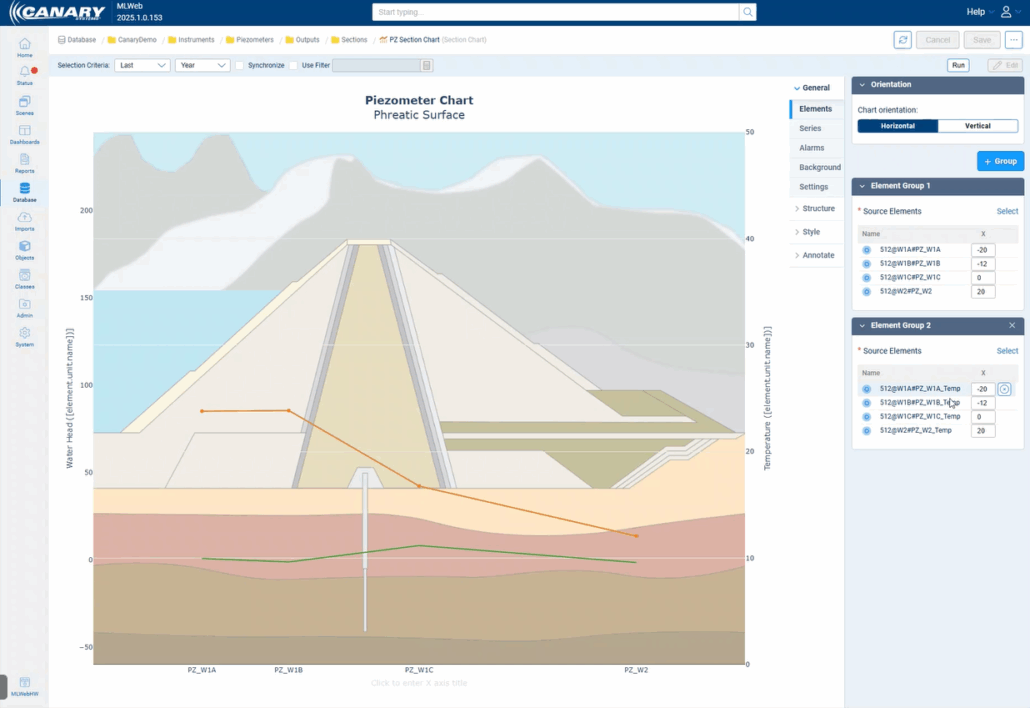
Section Charts: Configuration via Classing
Section charts can now be configured through classing in MLWeb. From within Class Design, Class Outputs would be selected in order to display multiple instruments in a single chart. Both manual and auto-selected series can be displayed together on the same chart.
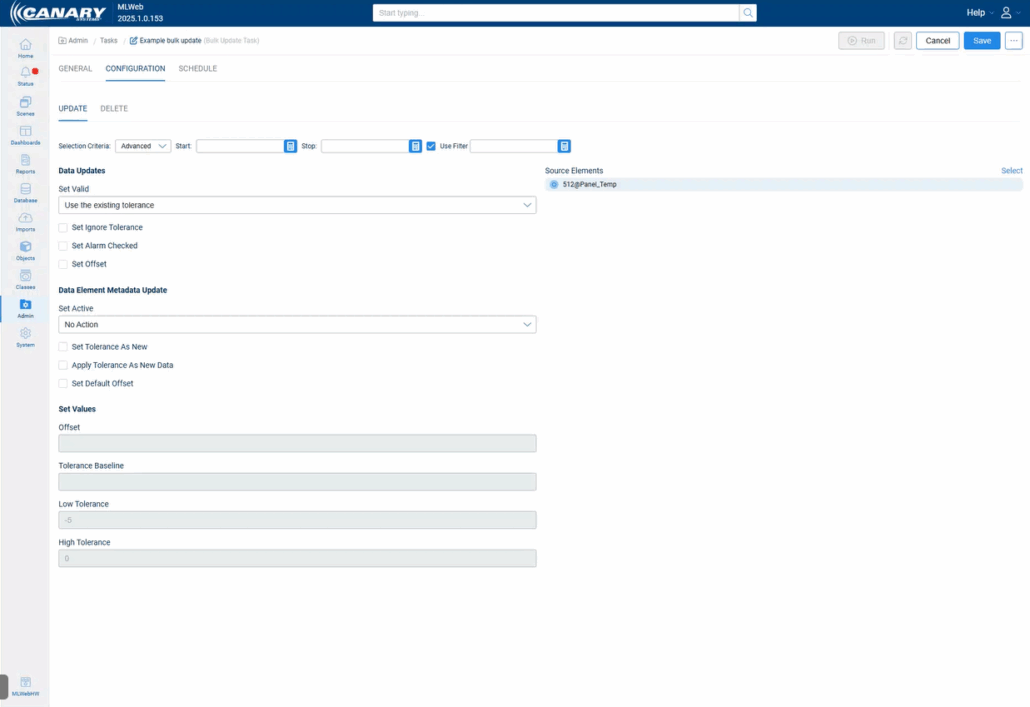
Bulk Update: Selection Criteria
Under the bulk update feature, users can select Last, Custom, and now Advanced which introduces a “Use Filter” option. This allows users to be more specific with what data they want to update or delete.
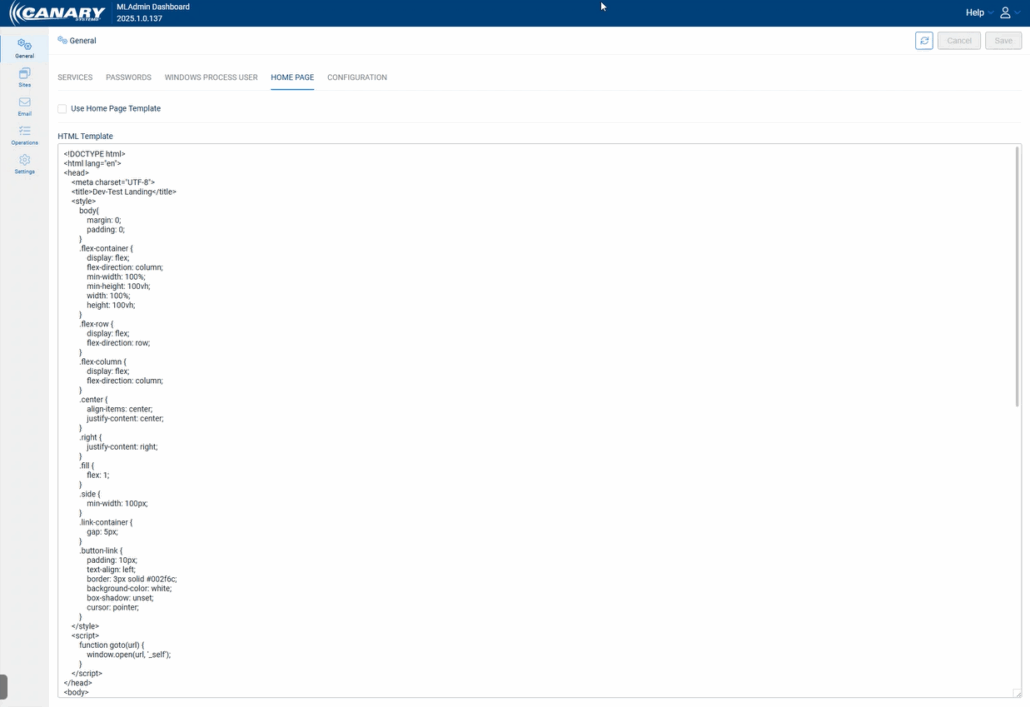
MLAdmin: Custom Home Pages
Custom home pages can now be configured to display links to all available databases on a server. The page is completely customizable with HTML from within MLAdmin. Example HTML for a starter home page is provided Appendix H in the MLSuite 2025 SP1 Installation Guide.

MLAdmin: Active Directory Login
MLWeb access via Windows Active Directory or Azure Active Directory can now be enabled or disabled from within MLAdmin directly, making configuration much easier and more simple for users.
MLWebHardware: Device Type, MLGPS Receivers, and MLRemote Baud Rate
MLSuite can now automatically detect a device type when the IP and port are added when adding a new logger. After testing the connection, a tooltip window will appear verifying that the test was successful, and device type was detected.
GNSS receivers can now be configured under MLGPS in MLWebHardware with many of the same features and configuration options as MLGPS.
The baud rate for MLRemotes can now be automatically detected. If an incorrect Baud Rate is entered during device configuration, the system will prompt for a baud rate detection scan and confirm the correct rate.

Notes
- As of the release of 2025.0.0, servers will now be required to have .NET 8 installed – previous versions were using .NET 7.
- Our API documentation is now hosted within the MLSuite application. This means that the documentation will now automatically update as new features and changes are implemented to reflect the version of the software installed. The API can be accessed at [serverdomain]/content/docs/rest-api.html.
- For databases that previously had Azure Active Directory configured, users will need to update the settings in MLAdmin.
If you need any assistance with upgrading to the latest version, or have any other questions about MLSuite, please reach out to our support team.


